

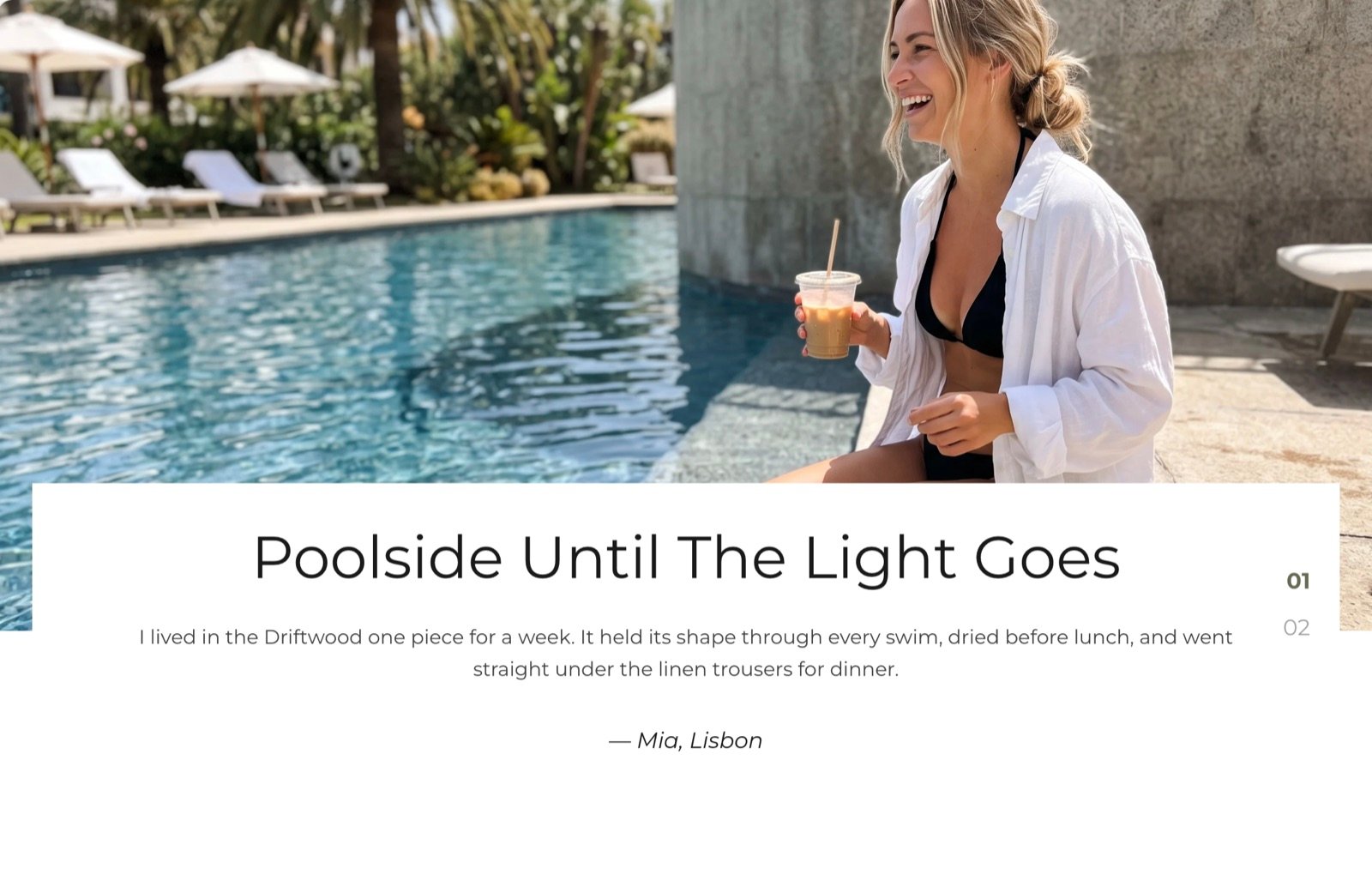
What this section controls
- An optional heading and text above the slider.
- The slides, each with its own picture, heading, text and author line.
- Autoplay and the time between slides.
- The colors of the text cards and slide numbers.
Getting started
1
Open the Theme Customizer
In your Shopify admin, open Online Store, then Themes, and click Customize next to Facet.
2
Add the section
In the Sections panel, click Add section and choose Stories. It can’t be added to the header or footer.
3
Fill each story
Click a Story block to pick its picture, then edit the heading, text and author inside it. Click Add block, then Story, to add a slide.
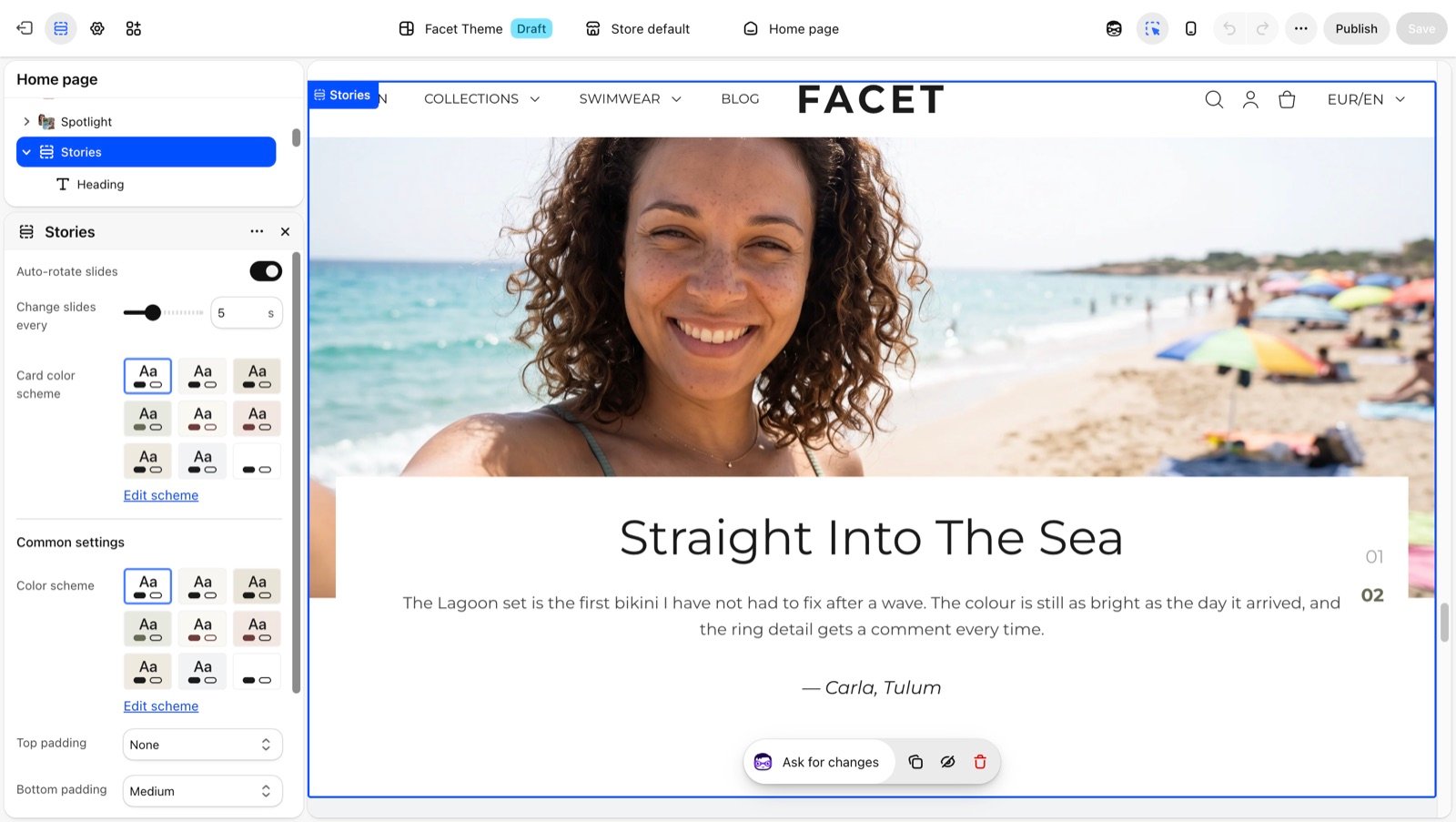
Section settings
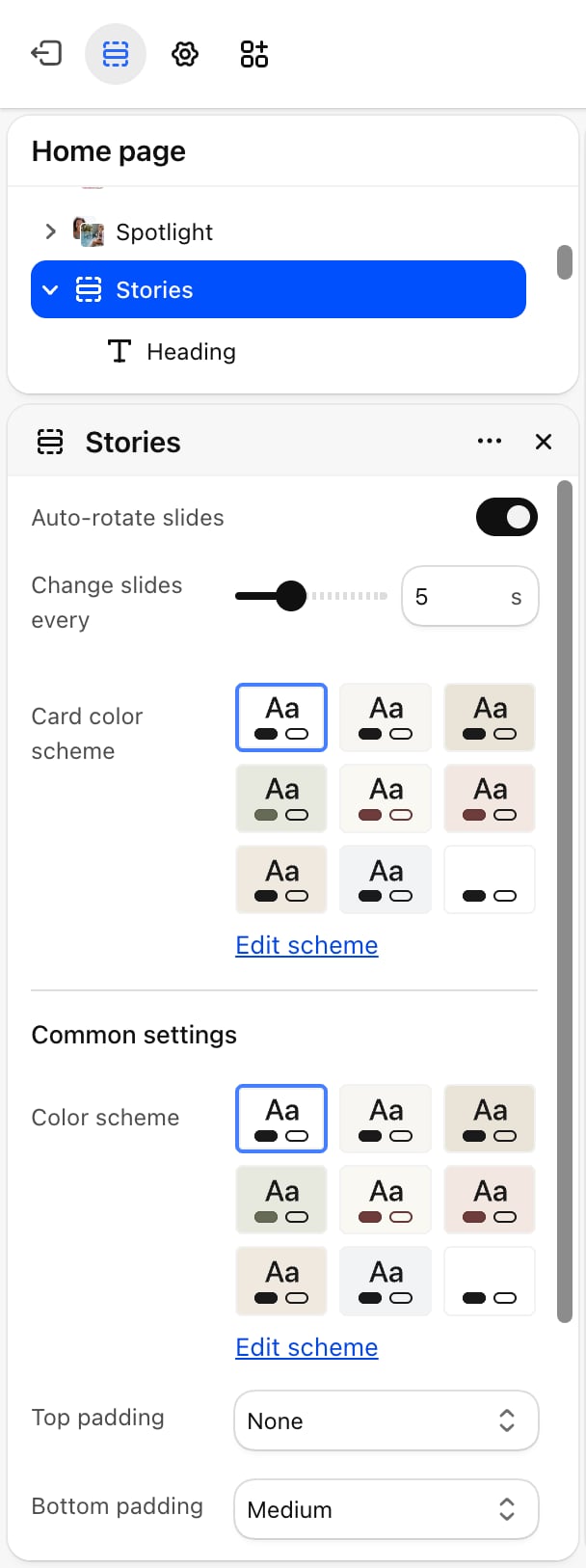
- Auto-rotate slides: off by default. Moves to the next story on its own and pauses while the pointer is over the slider. Shoppers who ask their device to reduce motion don’t get autoplay.
- Change slides every: from 3 to 9 seconds. Default: 5. Appears only when Auto-rotate slides is on.
- Card color scheme: the colors of the text card on every slide and of the slide numbers.
Common settings
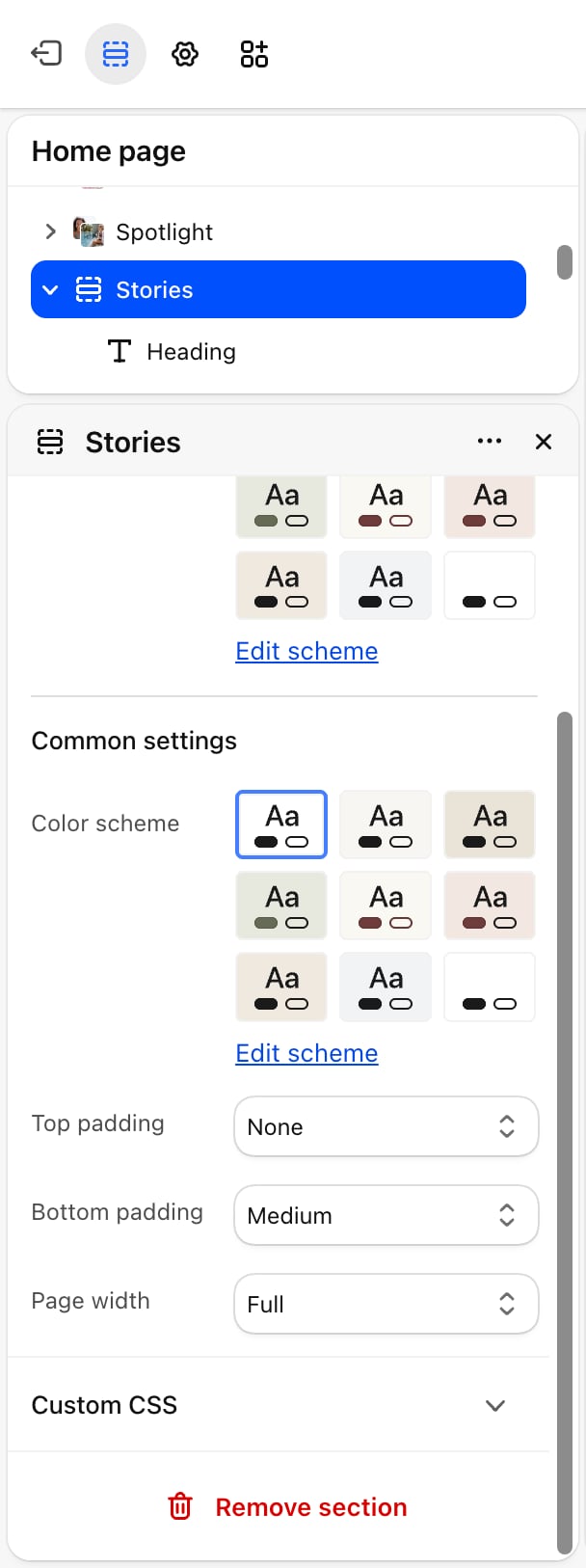
- Color scheme: the colors of the section around the slides.
- Top padding and Bottom padding: None (default), Small, Medium, Large or Extra large.
- Page width: Narrow, Narrower, Fluid or Full (default).
Blocks
Heading and text
The section has a fixed Heading and Text above the slider. A new section starts with the heading “Stories behind the pieces” and a line of text. Change them to your own, or empty both to hide them. See Theme blocks for their settings.Story
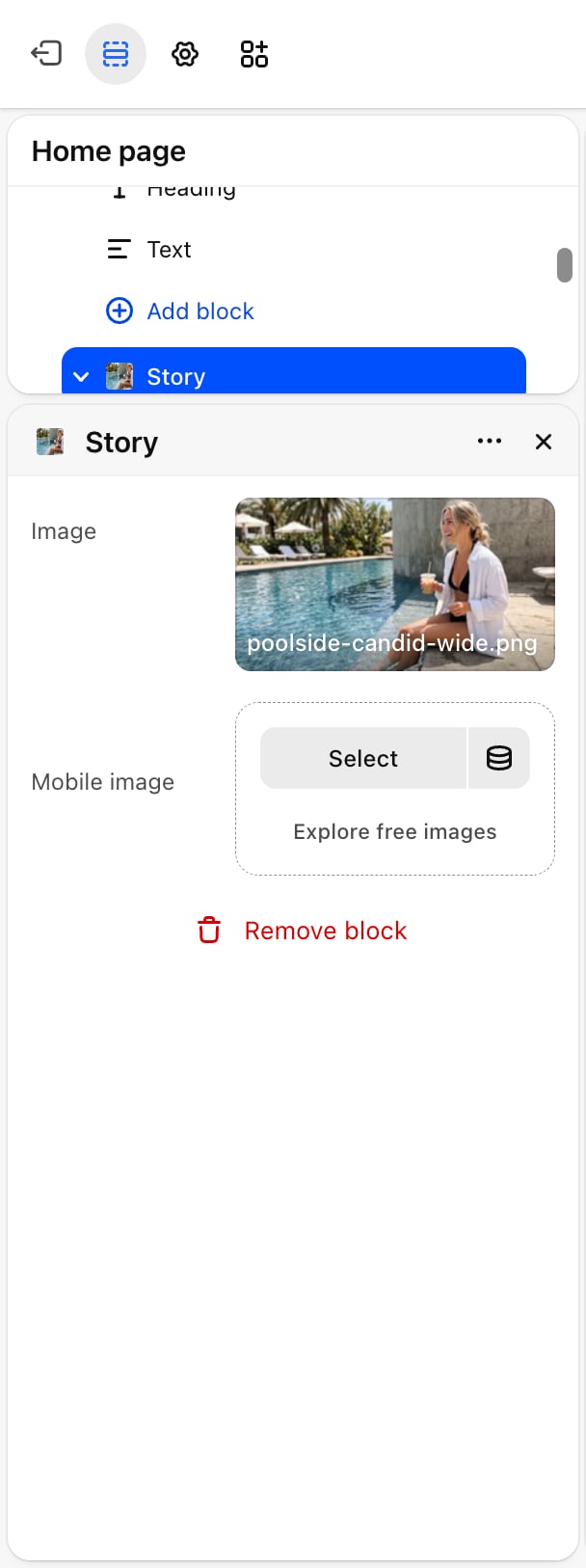
- Image: the slide picture. It is cropped to a wide 24:11 shape on large screens and to 4:5 on phones. A placeholder shows until you pick one.
- Mobile image: an optional picture for phones. Without one, phones show Image.
Author
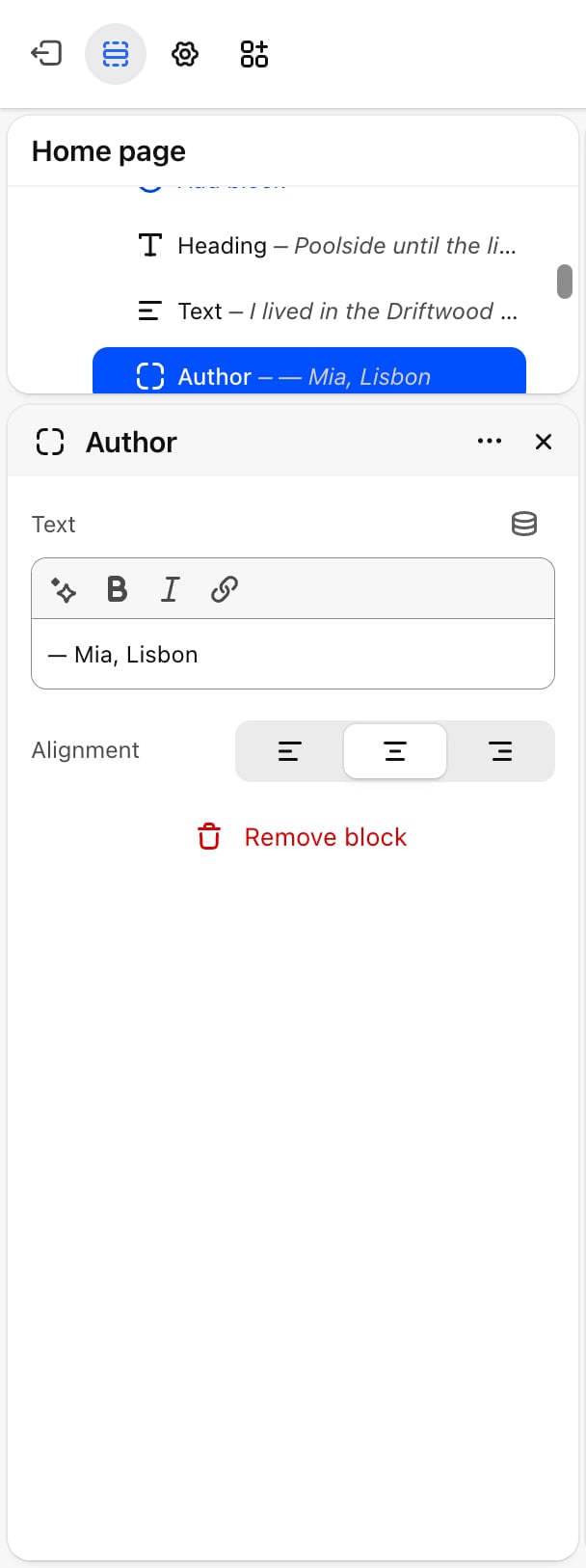
- Text: the credit line. A new block shows “Author name” after a dash. Replace it with your own credit.
- Alignment: Left, Center (default) or Right.
Best practices
- Use pictures with space at the bottom. The card covers the lower edge of the picture, so keep faces and products in the upper part.
- Add a portrait mobile image. Phones crop the picture to 4:5, which can cut the sides of a wide picture.
- Give shoppers time to read. With autoplay on, pick at least 6 seconds when a story has a paragraph of text.
Related guides
Testimonials
Show customer quotes with star ratings.
Hero banner
A slideshow with text over the picture.